App downloads
Our user and driver apps are live in Play store and iOS app store.
- Google play store : https://apps.apple.com/us/app/jayride-2-0/id6749256588
- iOS apps store : https://play.google.com/store/apps/details?id=com.fairyde.user&pli=1
Driver app can only be downloaded from Thailand at the moment.
Alternatively, you may download the latest app here:
Android:
- user: https://mega.nz/file/TIVkCDQR#2Yd5CtoqYNFRMZH7C8x53V48eLglJtEUp8SjPxAnMf8
- driver: https://mega.nz/file/KZl1lI4Q#n7GVnXK6gUdjEVnydfmBX-ks9EpIKnS6Wlk8vzoOMEU
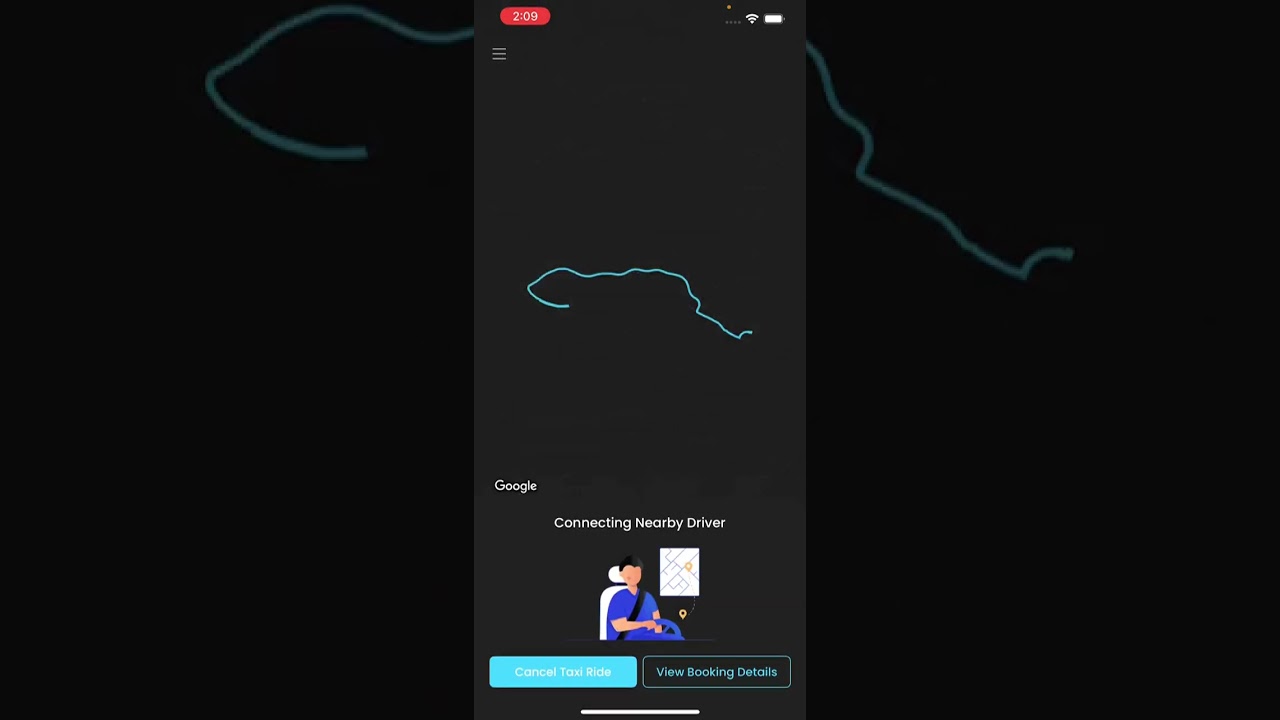
Booking Flow
Video:
Portals Definition
Admin (https://admin.fairyde.com) Manages the entire application, including users, settings, and system-wide operations.
User (https://user.fairyde.com) Landing page for users to download the APK and access basic information.
Partner (https://partner.fairyde.com) A company that provides a group of drivers or car services.
Partner can create customer and driver. Example: Blue Bird Taxi.Corporate (https://corporate.fairyde.com) A company of users that books services through our app for their employees or guests.
Example: A hotel using the app for guest transportation.Dispatcher (https://dispatcher.fairyde.com)
- Can create new bookings for any customer
- Tracks driver availability
- Assigns drivers to bookings
Hub (https://hub.fairyde.com)
- Multiple admin vehicles are stationed here
- Drivers check-in and check-out
- All vehicles are managed by the admin
Admin Portal
Important: Do not create new admin with country because you'll not be able to see users who sign-up in other countries
Business
Video:
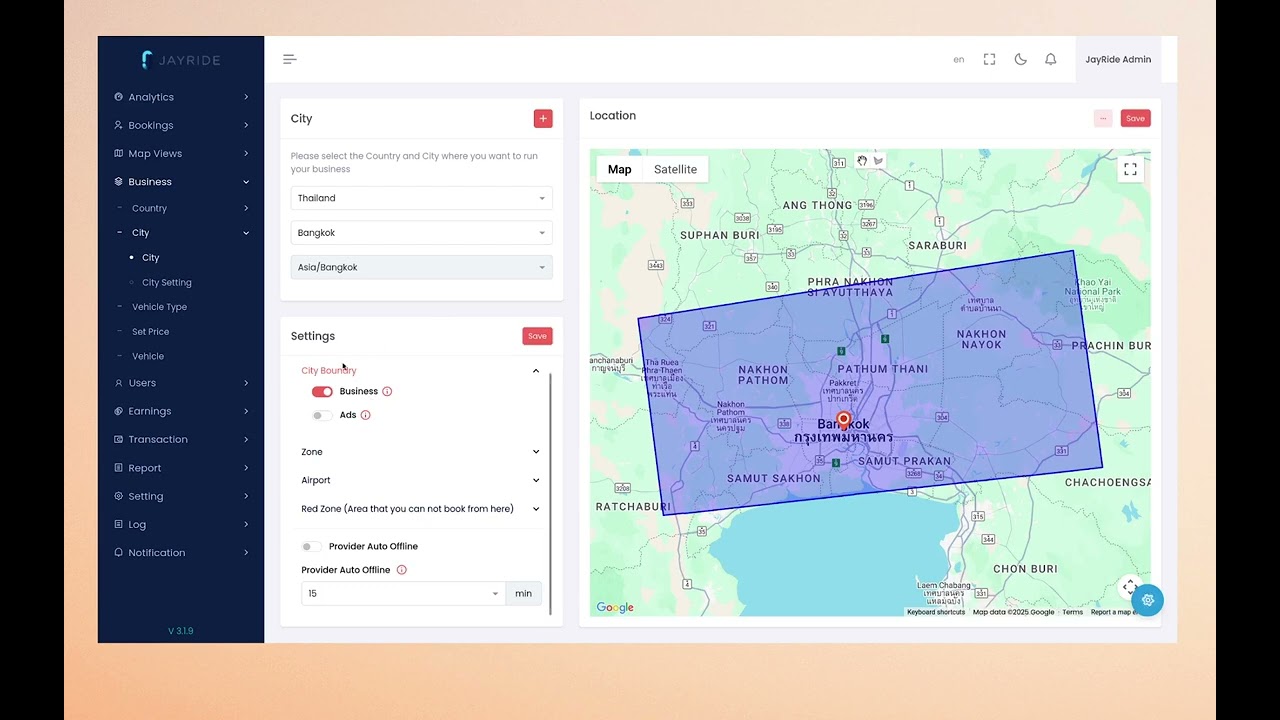
Prices
This video till 11:50 explains how to set up prices for our GB Limo partner: https://youtu.be/OdYiQ98uN-o
At the moment:
- We can't set specific prices for different partner. The 'price' menu in partner is only for Jayride 1.0.
Please see the PDF in reference section for a detailed explanation of each price setting.
Hierarchy of business type to vehicle type
business type > business type category > vehicle type > model > service type
FAQ
Admin Portal
Where to change strings and company label
This affects strings in app and SMS message.
Settings > Language > App String Setting

Why I can't cancel booking in user app?

Partner Driver
In partner portal, created driver will be tagged as 'partner driver'. These driver will not see any earnings, as the earnings will be passed directly to the partner. The partner needs to settle the earnings with their drivers outside of the portal. Possible future enhancement here
Image upload size limit
To developer: currently in our backend, we're using multer and file limit is 100MB. Also check nginx configuration client_max_body_size 100m
Why can't user change country in app?
Admin need to enable this:

Then in user app, you'll see this option:

Adding documents for a driver
You'll need to set the documents supported here: Setting > Configuration Setting > Document